How to Order Hot Chicken Online in 5 Easy Steps
Ordering hot chicken online can be a smooth and enjoyable experience. If you're eager to try the spicy goodness of Nate's Nashville Hot Chicken for the first time, just follow these five straightforward steps to ensure you get exactly what you want.
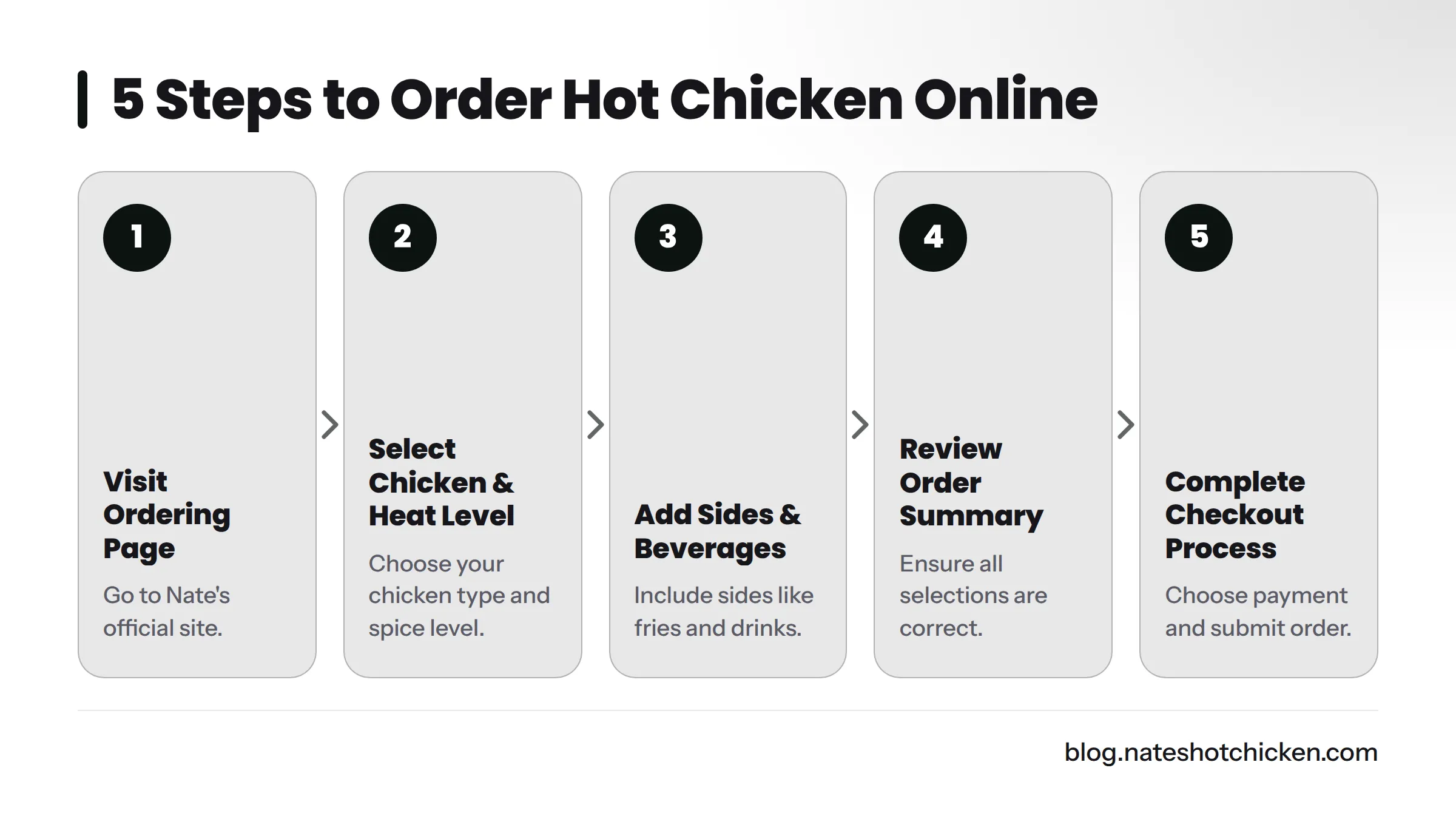
Step 1: Visit Nate's Online Ordering Page
Start by visiting the Nate's Nashville Hot Chicken official site. Navigate to the online ordering section, where you'll find a user-friendly menu filled with delicious options.
Step 2: Choose Your Chicken and Preferred Heat Level
Select your chicken type from a variety of delicious options, including tenders and sandwiches. Don’t forget to pick your heat level - whether you prefer mild, medium, or extreme spice, this choice is key to enhancing your meal's flavor.
Step 3: Add Sides and Beverages to Your Order
Enhance your chicken with sides and drinks. Popular options include crispy pickles, French fries, and refreshing beverages. A well-rounded meal satisfies not just hunger but also complements the flavors of your chosen hot chicken.
Step 4: Review Your Order Summary
Before finalizing your order, take a moment to review your selections on the order summary page. Ensure that everything is correct - from the spice level of your chicken to the sides you've selected. This careful check helps you avoid common ordering mistakes that can occur during your first online experience.
Step 5: Complete the Checkout Process
Proceed to checkout. Choose your preferred payment method, apply any discounts or promotional codes, and submit your order. If delivery is an option, you’ll select between pickup or delivery.
Step-by-Step Checklist for Ordering
Here's a handy reference checklist:
- Visit Nate's Online Ordering Page
- Choose Your Chicken and Heat Level
- Add Sides and Drinks
- Review Order Summary
- Complete Checkout Process
FAQs
Can I choose my spice level when ordering online?
Yes, you can select from various heat levels to match your taste.
Do I need an account to order?
No, creating an account is not required for ordering hot chicken online. However, having one can make future orders quicker and easier.
Now that you know how to navigate the online ordering process for Nate's Nashville Hot Chicken, enjoy your meal! Whether you’re picking up your order or having it delivered, indulging in flavorful hot chicken takes just a few clicks.
For more insights on hot chicken options and delivery, check out Hot Chicken Menu: What to Expect and How to Order or learn how to keep your delivery chicken crispy with 7 Easy Tips. Happy ordering!